
Introduction
When I first got into design, I didn’t think much about how something was made. If it looked good, it was good enough for me. I wasn’t really paying attention to the process behind it. Whether something was created manually from scratch or built using tools didn’t feel important at all.
But as I started working on more real projects and spending more time actually building things instead of just observing them, I noticed something interesting. The way you design, whether it’s manual or tool-based, doesn’t just affect speed. It changes how you think, how you solve problems, and even how you judge your own work.
That’s where this comparison started to matter for me.
What manual design really means
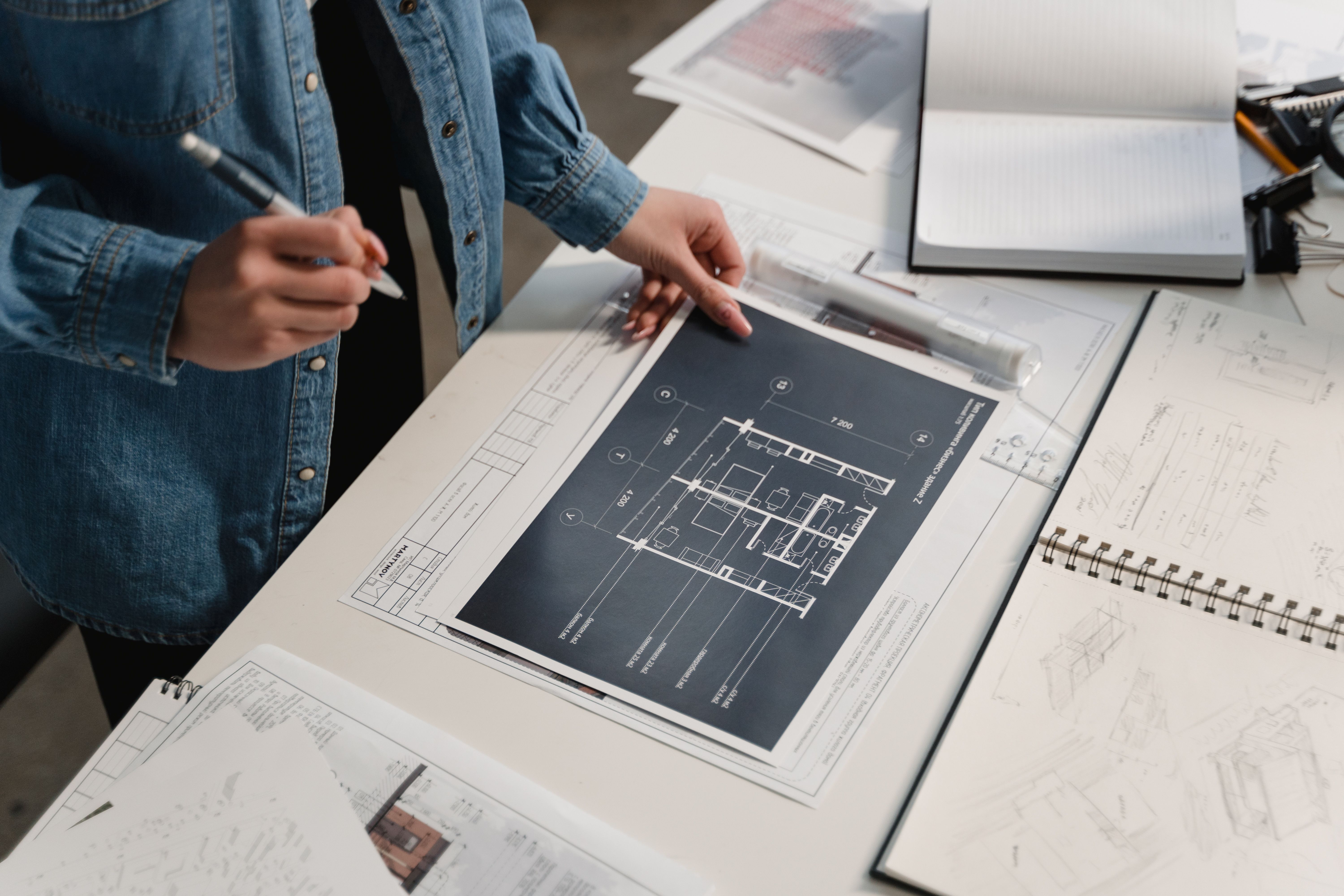
Manual design is the traditional, hands-on approach. It’s when you build everything step by step without depending heavily on automation, templates, or pre-built systems. It could mean sketching layouts from scratch, writing code line by line, or placing every element carefully without relying on shortcuts like UI kits or generators.
At first, it feels slow. And honestly, it is slow.
But the deeper you go into it, the more you realize that the slowness is the point.
When I started doing more manual work, I began noticing details I used to completely ignore. Things like spacing between elements, visual balance, alignment consistency, hierarchy, rhythm, and proportion started becoming obvious. Before that, I would just move things around until it “looked fine.” But manual design doesn’t let you rely on “fine.” It pushes you to understand why something works or doesn’t work.
Another thing I noticed is that manual design forces decision-making. There’s no default button to fix things for you. If something feels off, you have to figure it out yourself. That process builds a stronger understanding of fundamentals because you can’t escape them.
Over time, I started seeing manual design less as a slow method and more as a training ground. It teaches you control, patience, and awareness of detail that you don’t get when everything is automated.
What tool-based design means
Tool-based design is the modern, efficiency-driven approach. It includes tools like Figma components, Canva templates, design systems, AI-assisted design tools, auto-layout features, font generators, and ready-made UI kits.
This is where most real-world design work happens today.
And honestly, once you start using tools properly, the difference in speed is huge.
When I started using design tools more seriously, my productivity increased a lot. I could turn ideas into working layouts in minutes instead of hours. I could experiment with multiple versions quickly without worrying about rebuilding everything from scratch every time.
That freedom changes how you work. You stop hesitating to try ideas because execution becomes easier.
Tools also bring consistency, which is something manual design struggles with at scale. Once you set up a system, components and templates ensure everything stays aligned, structured, and visually consistent across different screens or pages. That’s a big advantage when working on larger projects or team environments.
Another thing I realized is that tools reduce mental load. Instead of worrying about every small detail repeatedly, you can rely on systems that handle repetitive work. That allows you to focus more on creativity and problem-solving.
But at the same time, this convenience comes with a trade-off.
The real difference I noticed
After spending time with both approaches, I started seeing a clear pattern.
Manual design builds understanding. Tool-based design builds speed.
Manual work slows you down, but it sharpens your thinking. You start understanding design decisions instead of just copying outcomes. You learn why spacing matters, why hierarchy changes perception, and why certain layouts feel more natural than others.
Tool-based work does the opposite in some ways. It makes you fast and efficient, but it can also create a habit of relying too much on defaults. When everything is already optimized for you, you sometimes stop questioning whether it’s actually the best choice.
I’ve experienced both extremes.
There were projects where I built something quickly using tools and felt productive in the moment, but later realized I didn’t fully understand why the design worked. It just looked good because the system was already solid.
And then there were projects where I did everything manually. It took a lot more time, sometimes frustratingly so, but the learning was completely different. I didn’t just finish a design. I understood it deeply.
That difference stayed with me.
Which one is better?
This is usually where people expect a clear answer, but there isn’t one.
Manual design is better when your goal is learning, improving fundamentals, and building strong design intuition. It gives you depth and long-term understanding.
Tool-based design is better when your goal is execution, speed, and working on real-world projects where deadlines matter. It gives you efficiency and scalability.
If you only rely on manual methods, you risk becoming slow and struggling in fast-paced environments where output matters.
If you only rely on tools, you risk becoming dependent and losing touch with the core principles that actually make good design work.
So it’s not really about choosing one. It’s about understanding what each one gives you and what it takes away.
What worked for me
Over time, I stopped treating it like a competition between manual and tool-based design. Instead, I started combining them based on what I need at different stages.
Now my process feels more balanced.
I usually start manually when I’m trying to understand structure and direction. I sketch ideas, think through layout decisions, and build the foundation without relying on shortcuts. This helps me actually understand what I’m building instead of jumping straight into execution.
Once the direction feels clear, I switch to tools. That’s when I focus on speed, refinement, consistency, and final output. Tools help me clean up the work, scale it, and make it production-ready.
This combination changed how I approach design. I don’t feel stuck between being slow or being shallow. I get both understanding and efficiency, just at different stages of the process.

Final thoughts
If you’re learning design, don’t rush into tools too early. It’s tempting because tools make everything feel easier and more professional quickly. But if you skip the manual stage completely, you miss out on building a real understanding of how design works.
At the same time, don’t stay stuck in manual work forever. In real-world projects, speed matters just as much as skill. Tools are not a shortcut in a negative sense. They’re part of how modern design actually works.
For me, the biggest shift wasn’t choosing one over the other. It was learning when to slow down and when to speed up. That balance is what actually improved my design work over time.
Post a Comment