
Introduction
When I first started learning design, typography honestly felt like something secondary. I focused more on layouts, colors, and making things “look modern.” Fonts were just something I picked quickly at the end.
But the more projects I worked on, the more I realized something important. Typography wasn’t the finishing touch. It was the foundation. It controlled how everything felt, how easily people could read, and even how professional the design looked.
This is a simple guide to typography from my own learning journey, especially for anyone just getting started and feeling a bit overwhelmed by it.
What typography really means
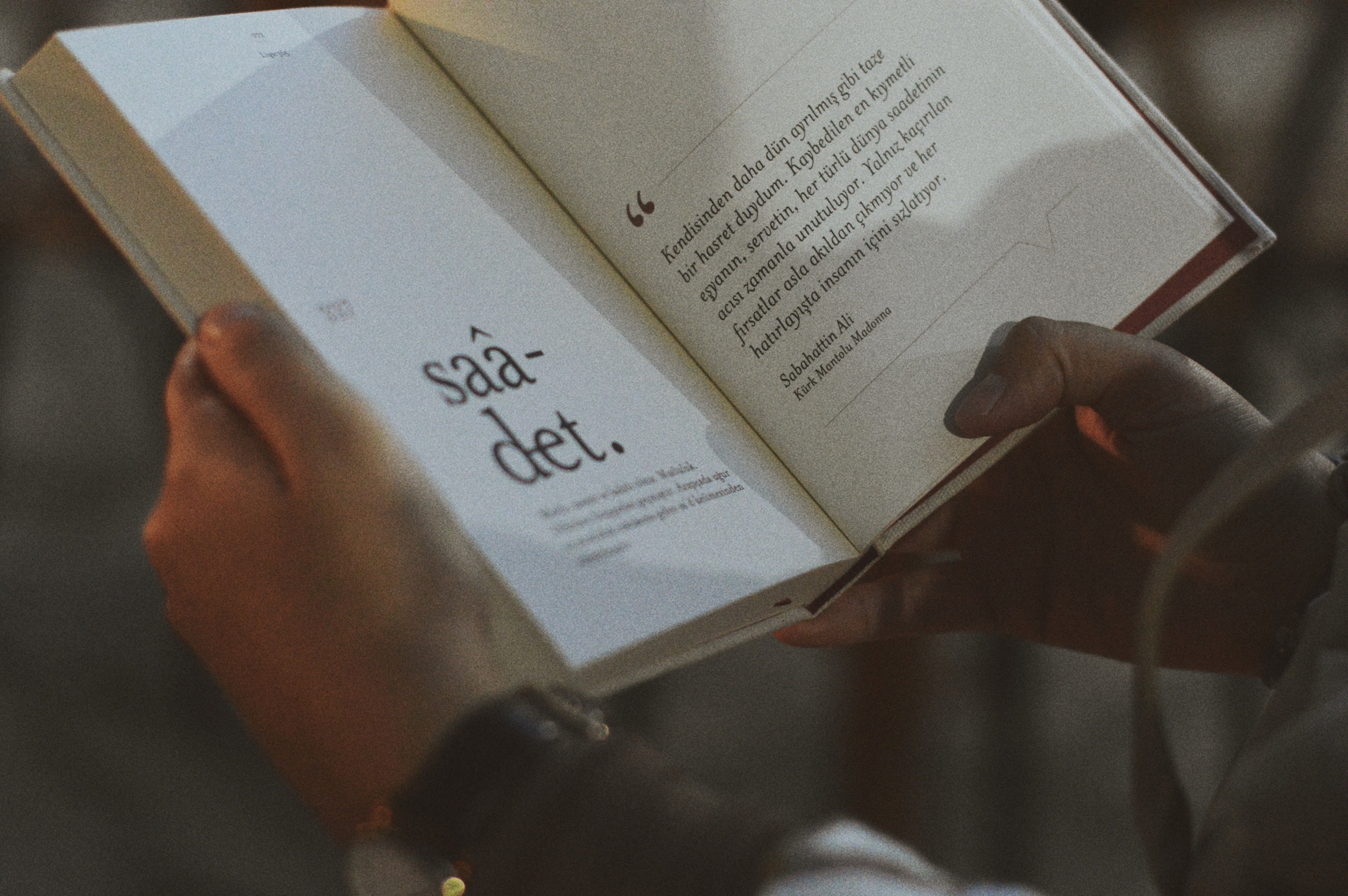
Typography is basically how text is arranged and presented in design. It includes font choice, size, spacing, alignment, and structure.
At first, I thought typography just meant “choosing a font.” But it’s much more than that. It’s about how text behaves on a screen and how it guides the user’s eye.
Good typography doesn’t get noticed immediately. It just makes everything feel easy to read and natural. Bad typography does the opposite. It makes even good content feel messy or hard to follow.
Why typography matters more than you think
One of the biggest shifts in my thinking came when I saw two designs with the same content. One looked clean and easy. The other felt confusing even though nothing was technically wrong.
The only difference was typography.
That’s when I understood:
- People don’t read designs, they experience them
- If text is hard to scan, users lose interest fast
- Good typography builds trust without saying anything
In real-world design, typography quietly does most of the heavy lifting.
The basic building blocks you should know
When I started paying attention to typography properly, I realized it breaks down into a few simple parts. Once you understand these, everything else becomes easier.
1. Font choice
Fonts carry personality. Even before someone reads the words, they feel something from the font.
A clean sans-serif font usually feels modern and simple. A serif font often feels more traditional and formal.
I used to overthink this part a lot, switching fonts again and again. But over time I learned that simplicity wins most of the time.
2. Font size
Size controls hierarchy. It tells the user what is important and what is secondary.
When everything is the same size, nothing stands out. That’s something I struggled with early on. My designs looked flat because I wasn’t guiding the reader’s attention.
Once I started using clear size differences for headings, subheadings, and body text, everything improved instantly.
3. Line height
This is one of those things beginners often ignore, including me.
Line height is the space between lines of text. If it’s too tight, the text feels cramped. If it’s too loose, it feels disconnected.
I remember adjusting line height slightly and suddenly my entire design looked more “professional” without changing anything else.
4. Letter spacing
Letter spacing controls how open or tight the text feels.
Small adjustments here can completely change readability, especially in headings or uppercase text.
At first, I barely touched this setting. Now I consider it one of the subtle tools that can really polish a design.
5. Alignment
Alignment is about structure. It keeps everything visually organized.
Left alignment is usually the safest and most readable for long content. Center alignment works better for short text like titles. Right alignment is more niche and used carefully.
When alignment is inconsistent, the whole design feels unstable.
Typography hierarchy (this changed everything for me)
Hierarchy is what makes users naturally follow content in the right order.
It answers a simple question: “What should I read first, second, and last?”
A clear hierarchy usually includes:
- Big, bold headings
- Medium subheadings
- Simple body text
Before I understood this, my designs looked random. Everything had the same importance. Once I fixed hierarchy, my layouts started feeling structured without even changing colors or images.
One mistake I kept making
Early on, I thought using more fonts made a design more creative.
So I would mix 3 or 4 fonts in one project.
It never worked.
Instead, it made everything feel confusing and unprofessional.
Later I learned that most strong designs use just one or two fonts, but use them properly with different weights and sizes.
That was a big turning point for me.
How I approach typography now
Now when I start any design, I don’t begin with colors or images. I start with text structure.
I usually think like this:
- What is the main message here
- What should the user see first
- How can I make reading effortless
Only after that do I move to styling.
This small change in process made my designs feel more intentional and clean.
A simple way to practice typography
If you’re just starting, here’s something that helped me a lot:
Take any random website or blog and redesign only the text part. Don’t touch colors or images.
Just work on:
- Font choice
- Spacing
- Size hierarchy
- Alignment
You’ll quickly start noticing how much typography affects overall design quality.
Final thoughts
Typography is not about making text look pretty. It’s about making communication clear.
Once I understood that, my whole approach to design changed. I stopped treating typography as decoration and started treating it as structure.
And honestly, that’s when my designs started feeling more professional without me even trying too hard.
If you’re learning design right now, don’t rush typography. Spend time on it. It quietly decides how good your work really is.
Post a Comment