
Introduction
When I first started building websites, I didn’t think fonts were a big deal. I would pick something that “looked clean,” drop it in, and move on to colors and layout. Typography felt like a finishing touch, not something that needed real thinking.
But over time, especially after working on real projects, I realized something important. Fonts quietly shape how people feel about a website before they even read the content. They influence trust, clarity, and even how long someone stays on a page.
Good typography doesn’t just make things look nice. It improves readability, builds trust, and makes the entire design feel intentional. It’s one of those things users rarely notice when it’s done well, but immediately feel when it’s done poorly.
Here’s the exact approach I now follow when choosing fonts for any website.

1. Start with the purpose of the website
Before opening any font library, I first ask a simple question: what is this website trying to communicate?
A finance or SaaS website needs something clean, stable, and structured. A creative portfolio can be more expressive and experimental. A blog or content-heavy site needs something highly readable for long sessions without fatigue.
This step matters because fonts carry personality. A playful font on a serious product site instantly feels off, even if everything else in the design is perfect. On the other hand, an overly corporate font on a creative brand can make the site feel lifeless.
I also try to imagine the user’s mindset. Are they here to read, to buy, or to explore? The font should match that intent, not fight against it.
2. Limit yourself to two font families
One of the biggest mistakes I used to make was using too many fonts. It always created visual noise, even when I thought I was making things “more interesting.”
Now I stick to a simple rule:
- One font for headings
- One font for body text
That’s it.
Sometimes I even use a single font family with different weights, and it still works beautifully. In fact, some of the cleanest modern websites do exactly this.
The benefit of limitation is consistency. When fonts are controlled, everything else in the design feels more structured and intentional. The user focuses on content instead of distraction.
3. Prioritize readability over style
This is something I learned the hard way.
A font can look amazing in a preview but completely fail in real usage, especially on mobile screens or long-form content.
When testing a font, I now check:
- How it looks in small sizes
- How easy it is to read in full paragraphs
- Whether characters feel too cramped or too spaced out
- How it performs in long scrolling sessions
I also pay attention to things like similar letter shapes. For example, if “I”, “l”, and “1” look too similar, it can create confusion in real content.
If I have to “try hard” to read it, I skip it immediately. Good typography should feel effortless.
4. Test fonts in real content, not placeholders
Lorem ipsum can be very misleading. It never shows real behavior because it has no meaning, no natural rhythm, and no structure that reflects actual usage.
Now I always replace dummy text with real project content early in the design process.
This helps me see how the font behaves in:
- Headings with real meaning
- Product descriptions
- Buttons and microcopy
- Forms and labels
- Long paragraphs
This step has saved me from many wrong decisions. A font that looks perfect in isolation can suddenly feel awkward when actual content is added.
5. Check font pairing carefully
Pairing fonts is where things can go wrong very quickly.
I usually follow one simple approach:
- A strong, structured font for headings
- A neutral, highly readable font for body text
The contrast should feel natural, not forced.
What I avoid completely:
- Two decorative fonts competing for attention
- Fonts that are too similar but not identical (they look like a mistake)
- Pairings that create visual tension instead of balance
A good pairing feels invisible. It doesn’t draw attention to itself. Instead, it supports the content and creates a clear hierarchy.
6. Consider performance and loading speed
This is something beginners often ignore, but it matters a lot in real-world websites.
Some fonts look great but come with heavy file sizes or multiple variations that slow down loading. That directly affects user experience and even SEO performance.
Now I try to:
- Use system fonts when possible
- Limit the number of font weights (regular, medium, bold is often enough)
- Avoid loading unused styles
- Prefer modern, optimized web font formats
A fast-loading website often feels more professional, even if users don’t consciously notice why.
Typography should support performance, not slow it down.
7. Make sure it works across devices
A font that looks perfect on a large desktop screen might completely break on mobile.
That’s why I always test typography across:
- Mobile phones (different screen sizes)
- Tablets
- Laptops and large monitors
- Different browsers (Chrome, Safari, Firefox)
What I’m looking for is consistency in spacing, readability, and line flow.
Mobile is especially important. If reading feels even slightly uncomfortable on a phone, I don’t use that font.
8. Pay attention to spacing, not just the font
This is something I didn’t understand early on. I used to think the font itself was the main factor, but spacing changes everything.
Even a great font can look unprofessional with poor spacing.
I usually adjust:
- Line height to improve reading flow
- Letter spacing to balance headings
- Paragraph spacing to create breathing room
- Line length to avoid fatigue (too wide or too narrow both hurt readability)
These small adjustments often matter more than the font choice itself. Good spacing makes text feel calm and easy to follow.
9. Stick to a consistent hierarchy
Fonts only work well when they follow a clear structure. Without hierarchy, even good typography feels messy.
I always define a simple system:
- H1 for main titles
- H2 and H3 for section structure
- Body text for reading content
- Caption text for secondary details
- Button text for actions
Once this system is in place, the design becomes much easier to scale. You don’t have to rethink typography on every new page.
It also improves user experience because people naturally understand what to read first.
10. Trust simplicity in the final decision
After all the testing, comparisons, and adjustments, I usually come back to something simple.
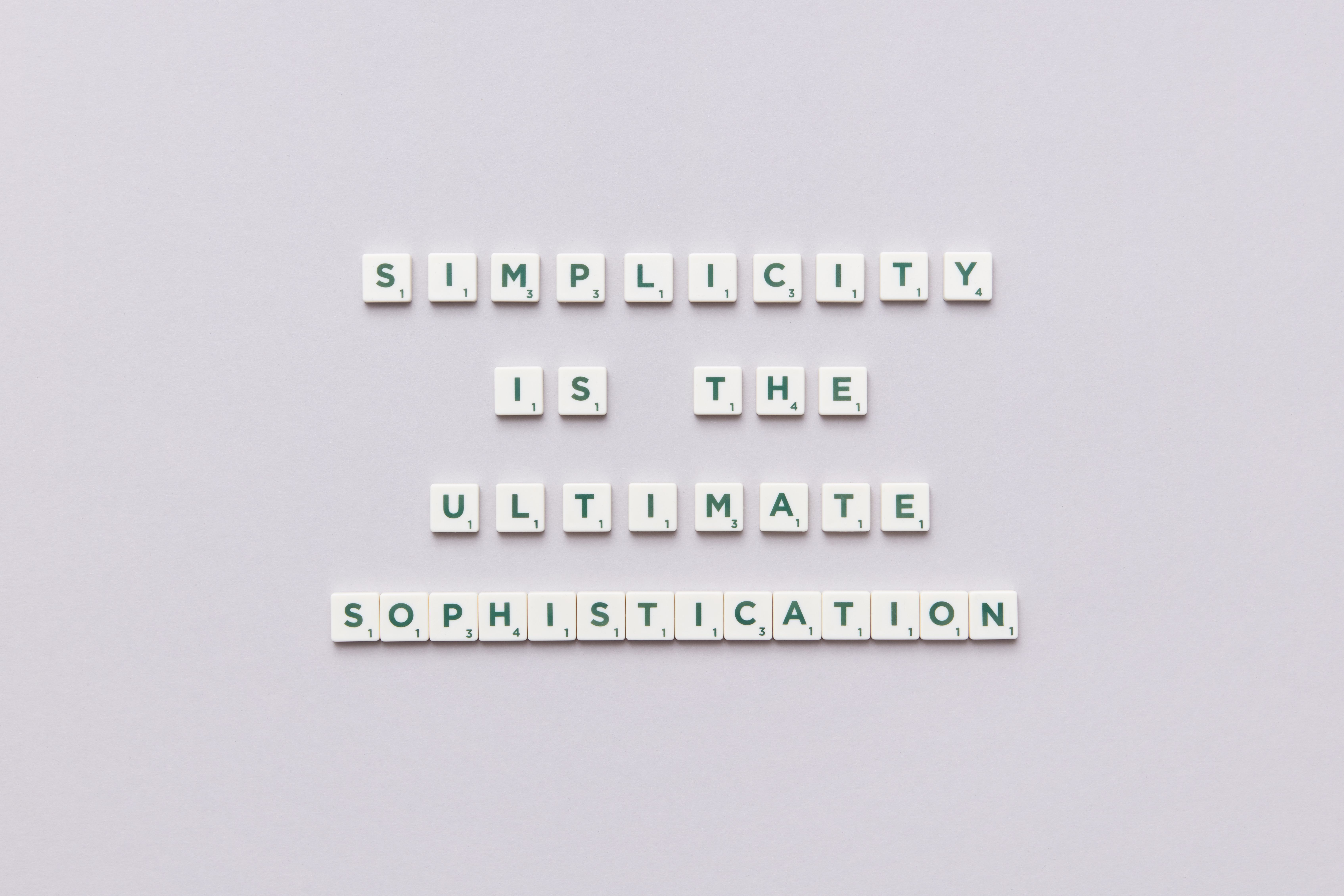
The truth is, most modern websites don’t need complex typography. They need clarity, balance, and consistency.
If a font feels “safe but good,” that’s usually the right choice. Not boring, just reliable.
Over time, I’ve realized that the best typography doesn’t try to stand out. It quietly supports the design and lets the content take the spotlight.
Final thoughts
Choosing fonts used to feel like a creative guessing game for me. Now I see it more like a system built on logic, testing, and consistency.
Once you understand readability, structure, spacing, and purpose, the decision becomes much easier and faster.
A good font doesn’t try to get attention. It quietly supports the content and lets the message do the work.
And in most cases, that’s exactly what great design is supposed to do.
Post a Comment